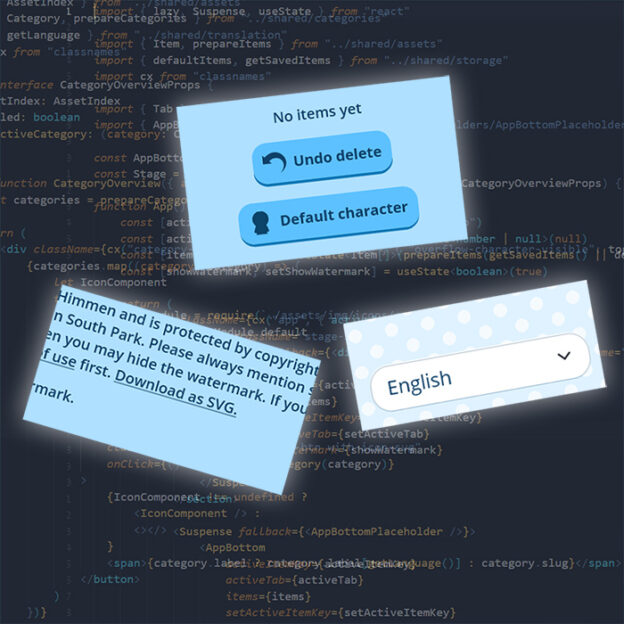
This update is brought to you by Lars (LGK), who coded an exciting new feature for the SP-Studio: You can now SEARCH for items!
The search is an experimental function for now, so you need to activate it in the SETTINGS first. By the way: This new Settings tab also contains the language selection. Once activated you will see the search icon next to the category selection. You can use it to quickly access any items without browsing the categories. The search recognises the names of the items as they are displayed in the item options (I will improve the titles for the hairstyles during the next days).
As a bonus Lars has also improved the keyboard controls to make the SP Studio more accessible. You can press the TAB key to navigate instead of using a mouse.
A big THANK YOU to Lars for this update!

 Since I want to stay transparent here is a quick post to talk about why ads are back. My goal with the SP-Studio is to provide a fun tool that’s free for everybody to use. There is no subscription model, micro payments or anything like this. But I need money to run this project. After the relaunch in 2020 the ad banner I used for many years was deactivated and I hoped voluntarily donations might rise. But they did not, and so I have to activate it again. The ad is not visible in mobile view and has the small shape you are used to from the past, because I don’t want to annoy you. Thanks to my loyal