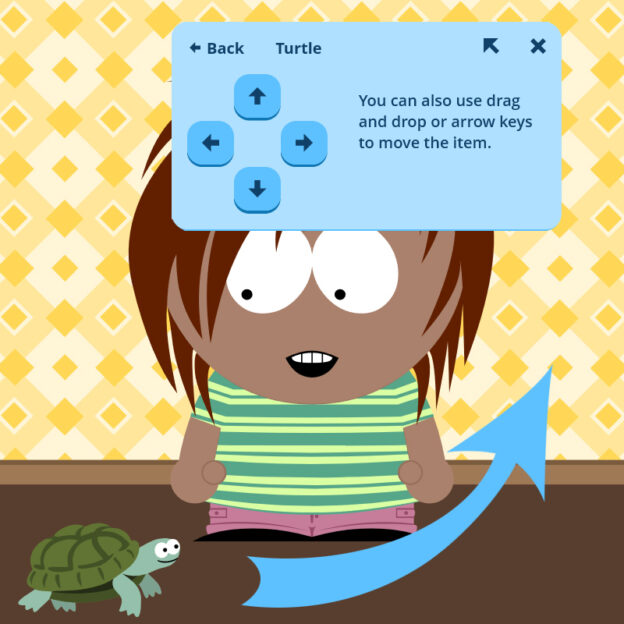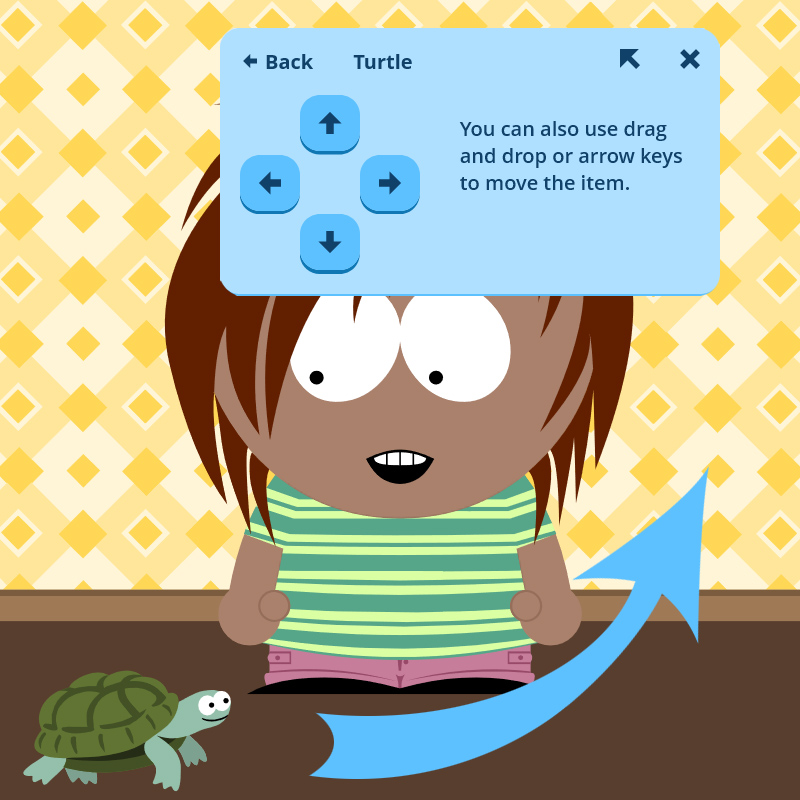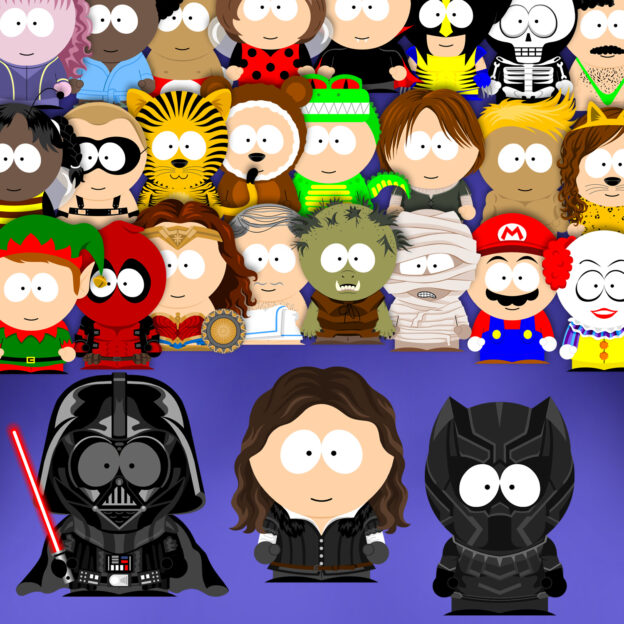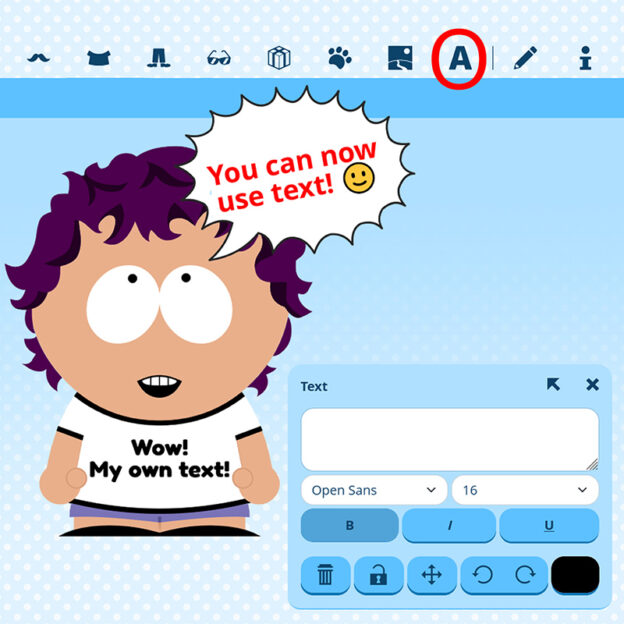
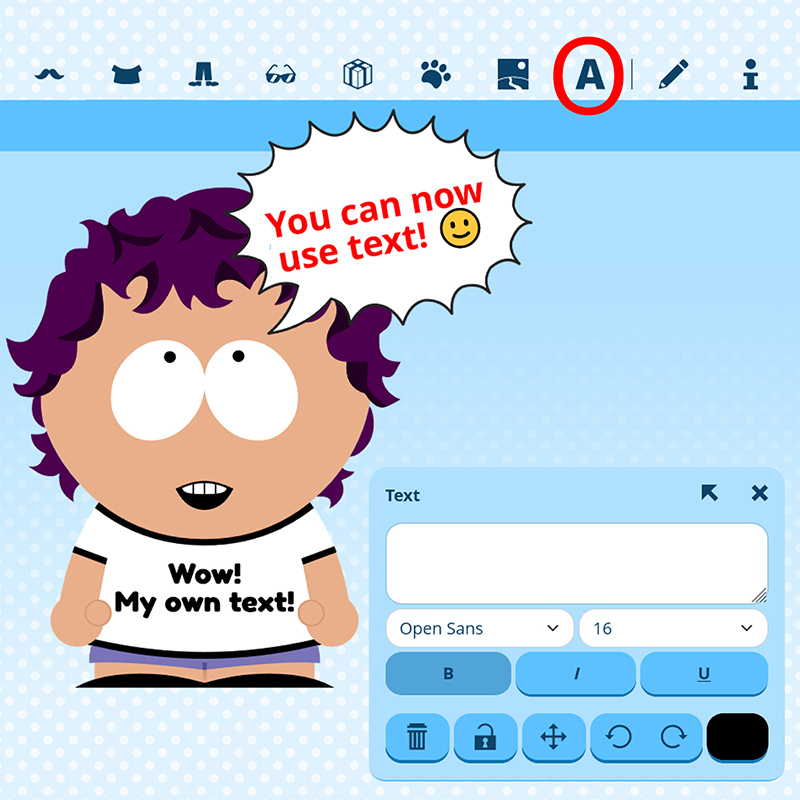
 You can now add text to your SP-Studio images!
Click on the “A” button and start to write. You can pick a font, color, size, format, rotate, lock or move it. In addition I have drawn some blank speech bubbles in different shapes which you can combine with your text. Visit the “Places” / “Foreground effects” category.
The text tool was the last big feature from the old SP-Studio which I was not able to bring back. But as always when it comes to coding Lars was there to help! Not only did he recreate the text tool but he improved it a lot. You can even use emojis, how cool ist that? With the new fonts and style options you will be able to create individual sports trikots, greeting cards or cartoons. Have fun!


















 Since I want to stay transparent here is a quick post to talk about why ads are back. My goal with the SP-Studio is to provide a fun tool that’s free for everybody to use. There is no subscription model, micro payments or anything like this. But I need money to run this project. After the relaunch in 2020 the ad banner I used for many years was deactivated and I hoped voluntarily donations might rise. But they did not, and so I have to activate it again. The ad is not visible in mobile view and has the small shape you are used to from the past, because I don’t want to annoy you. Thanks to my loyal